What is PatrolDesk?
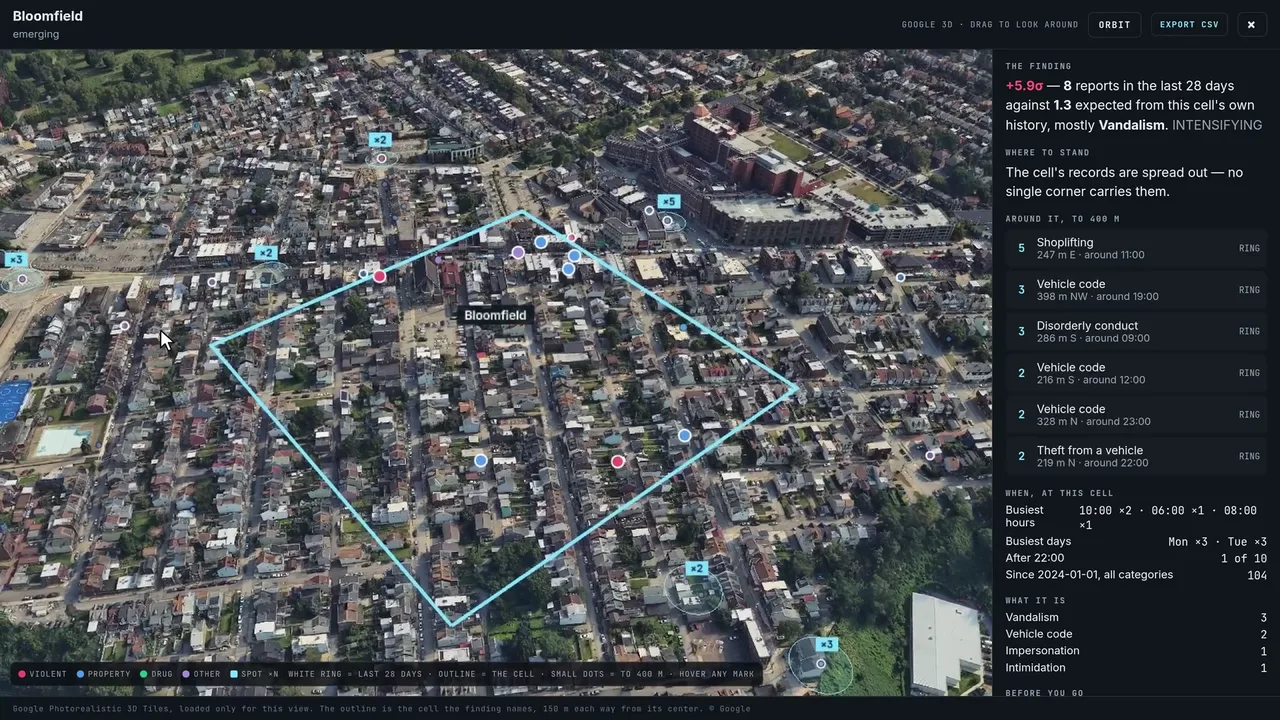
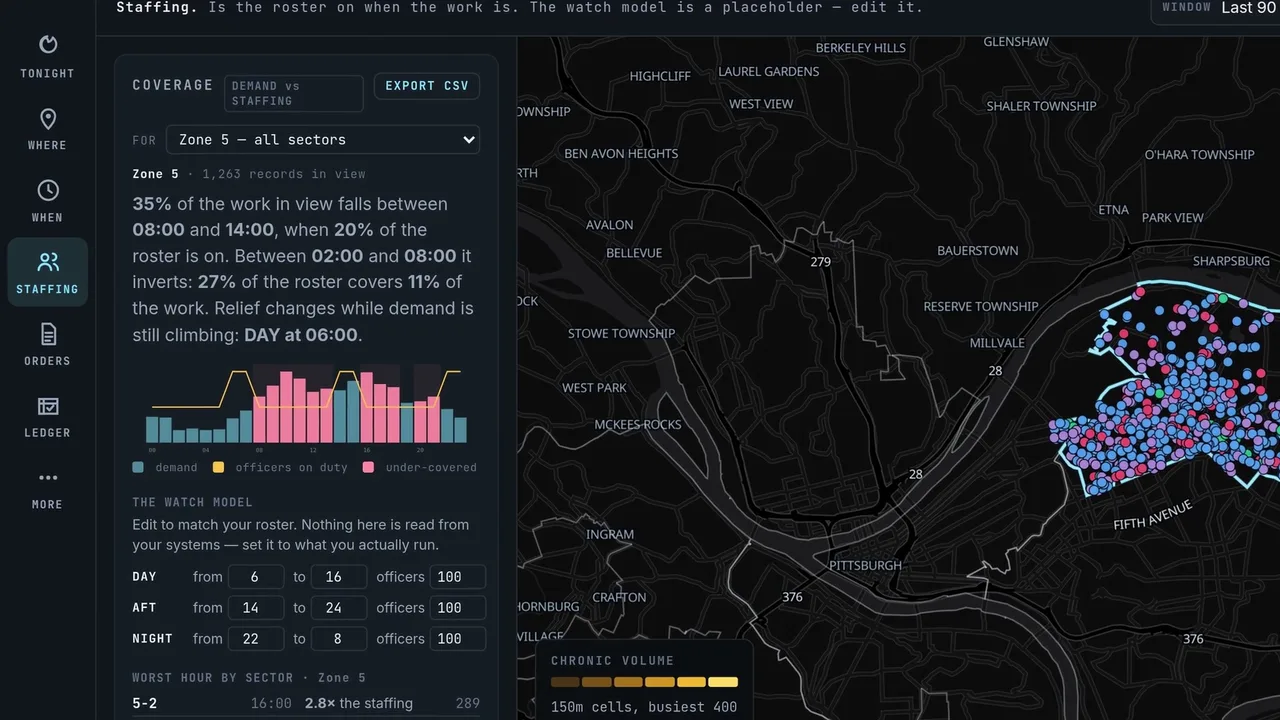
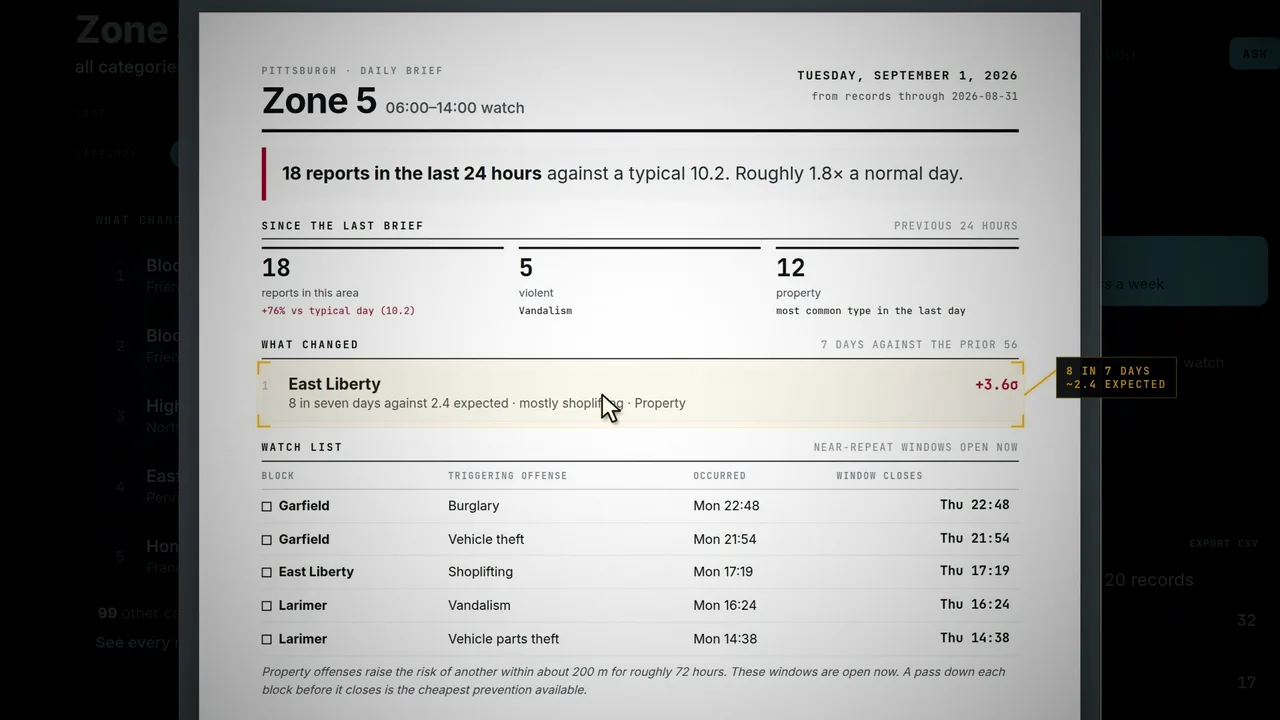
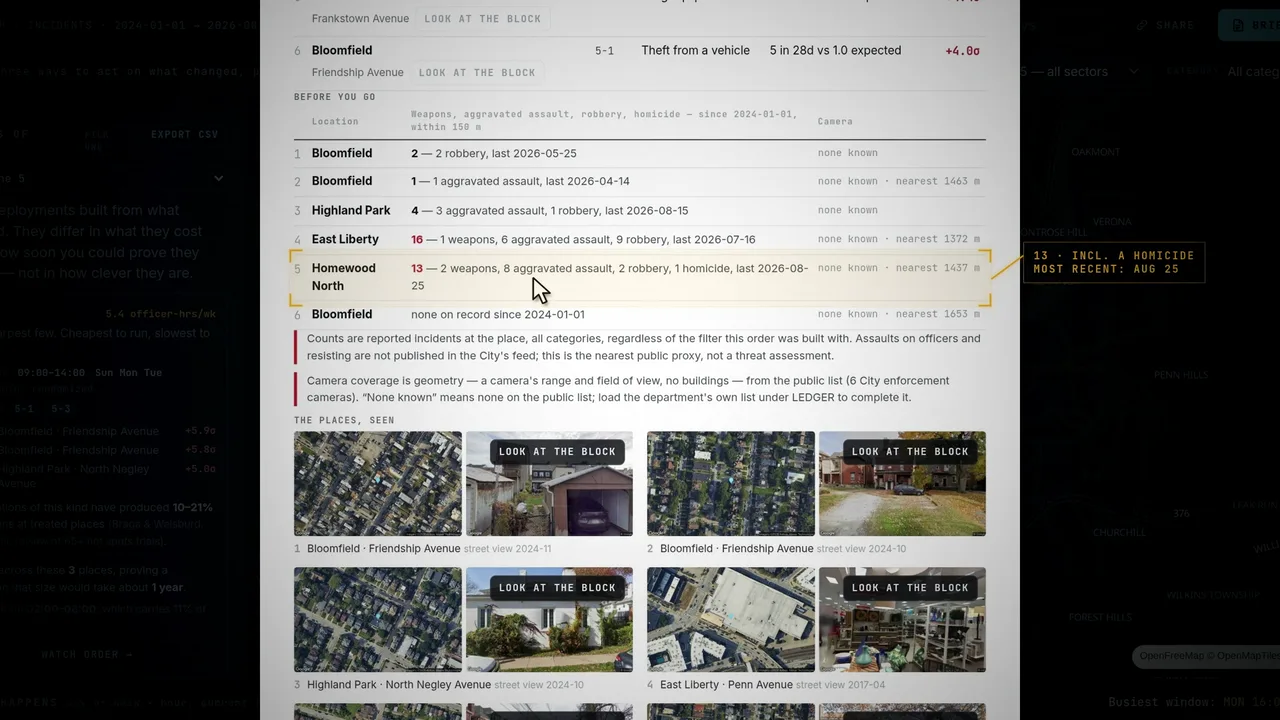
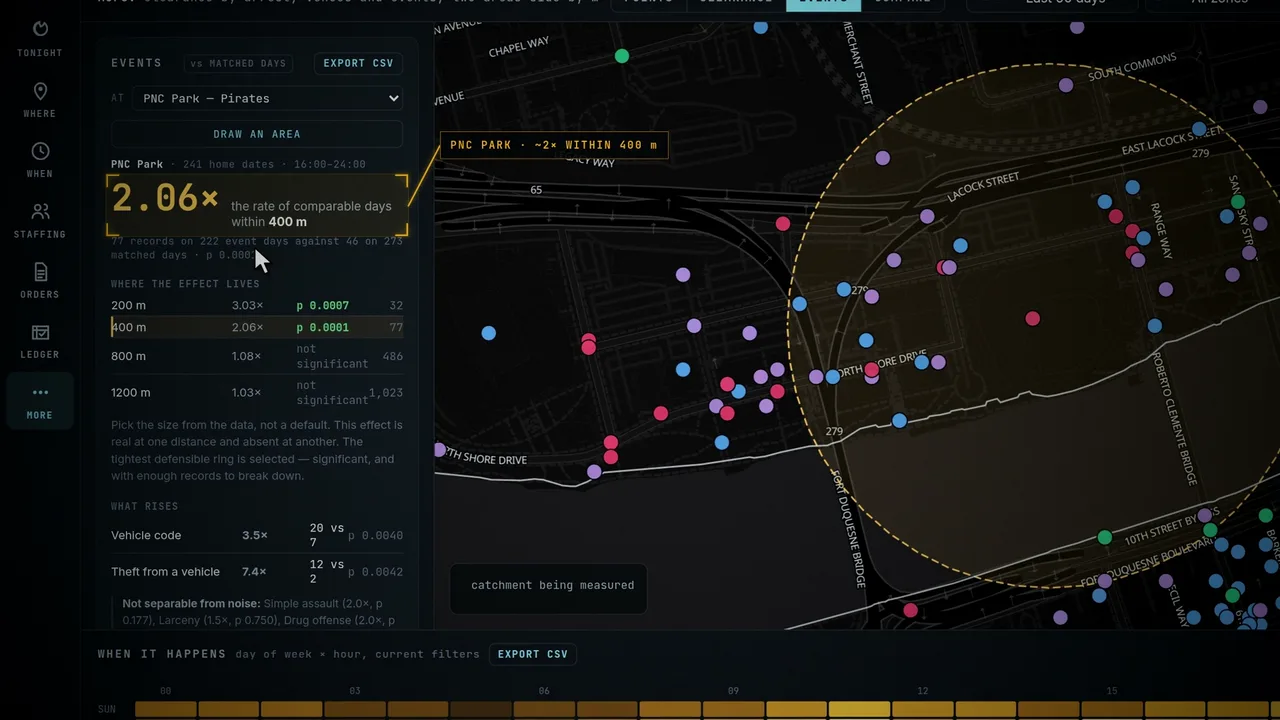
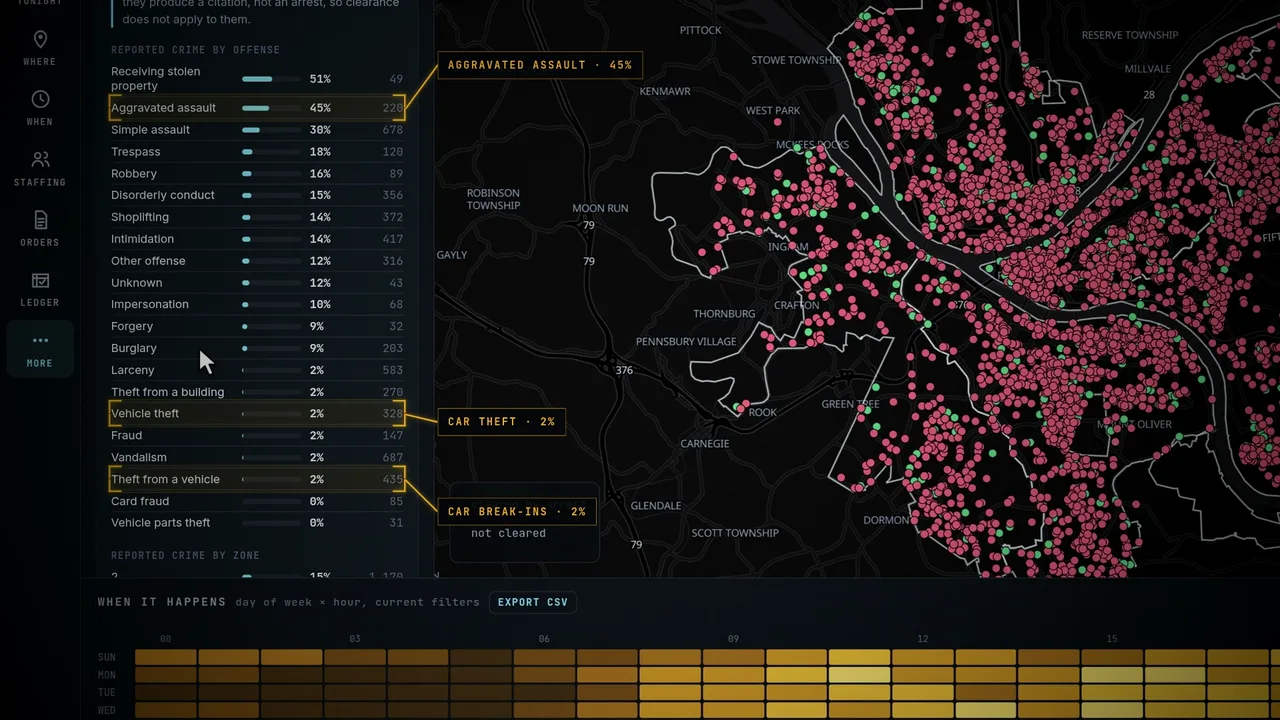
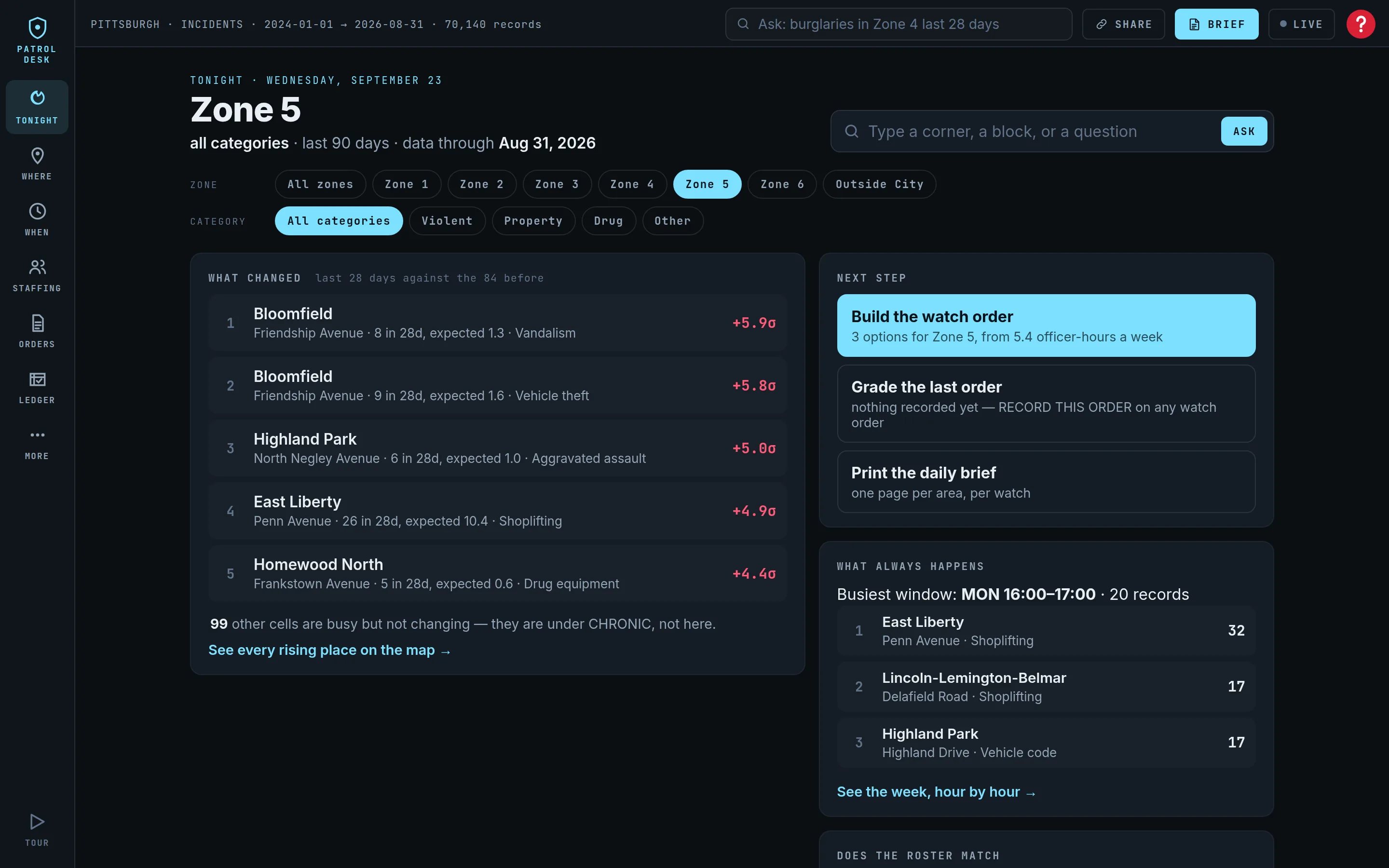
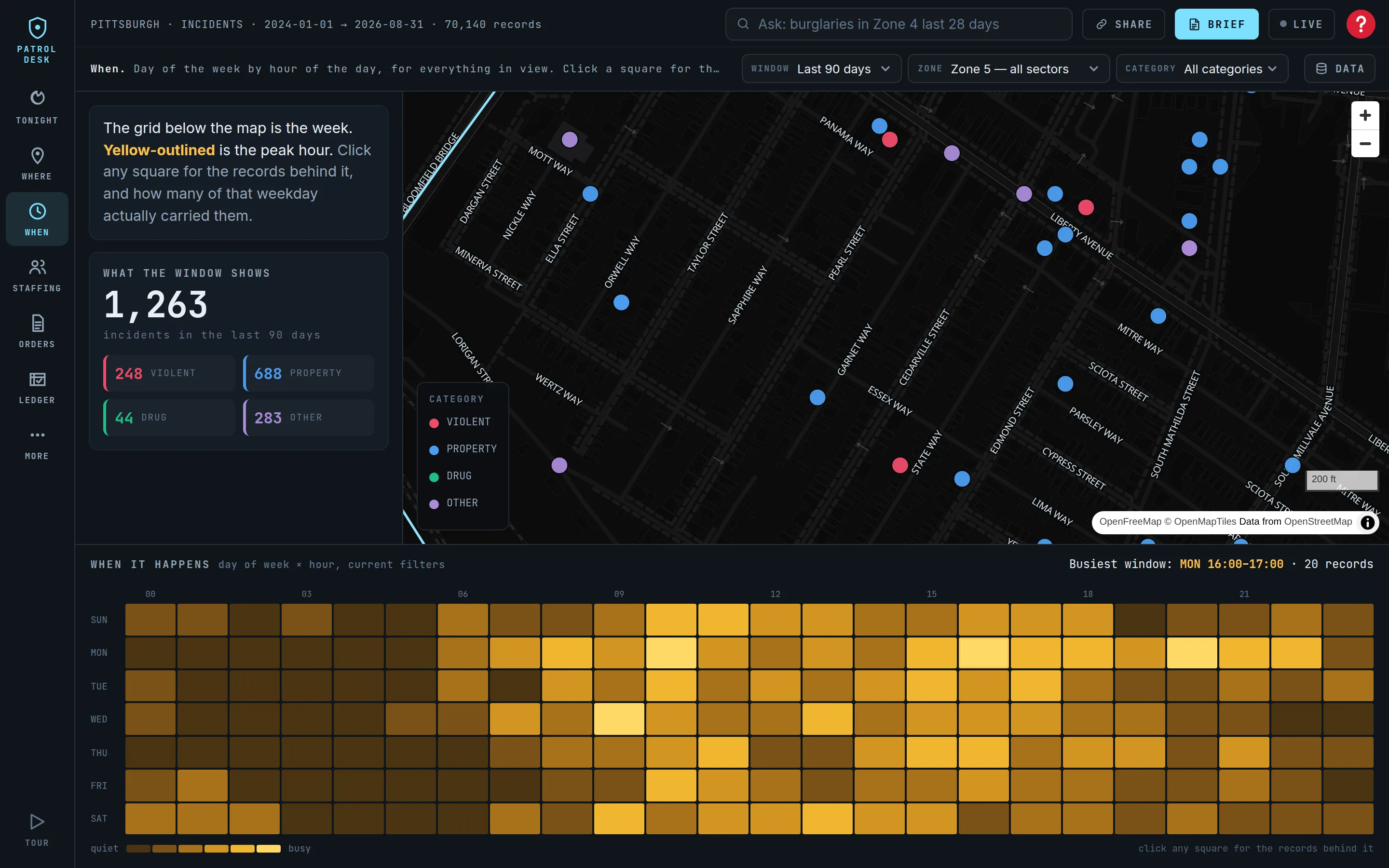
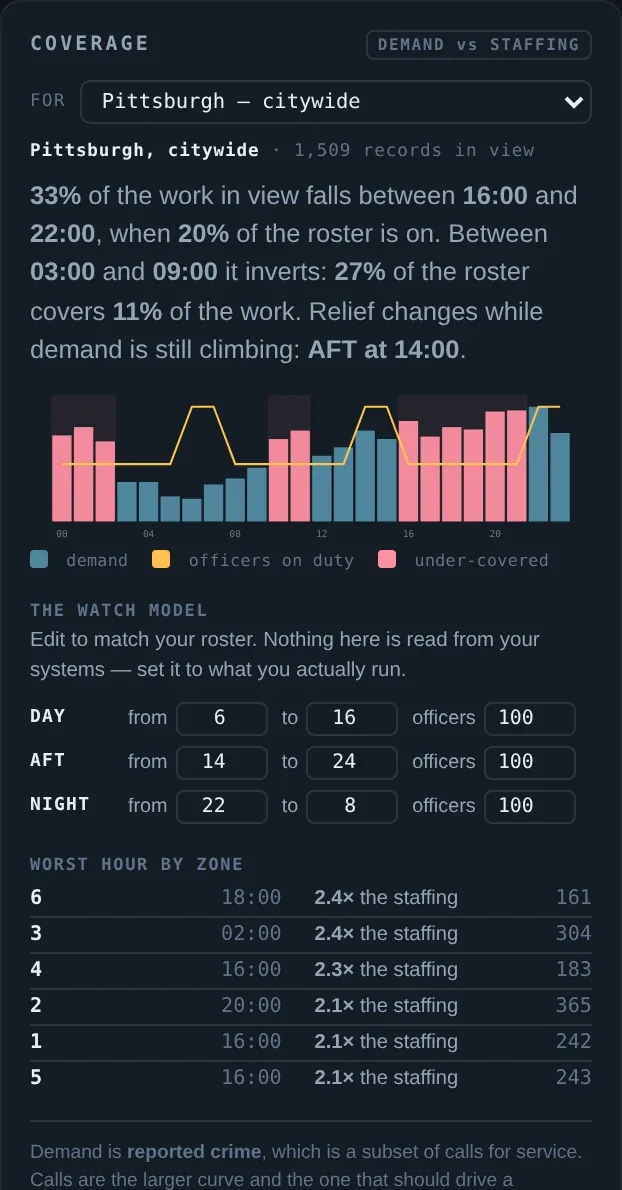
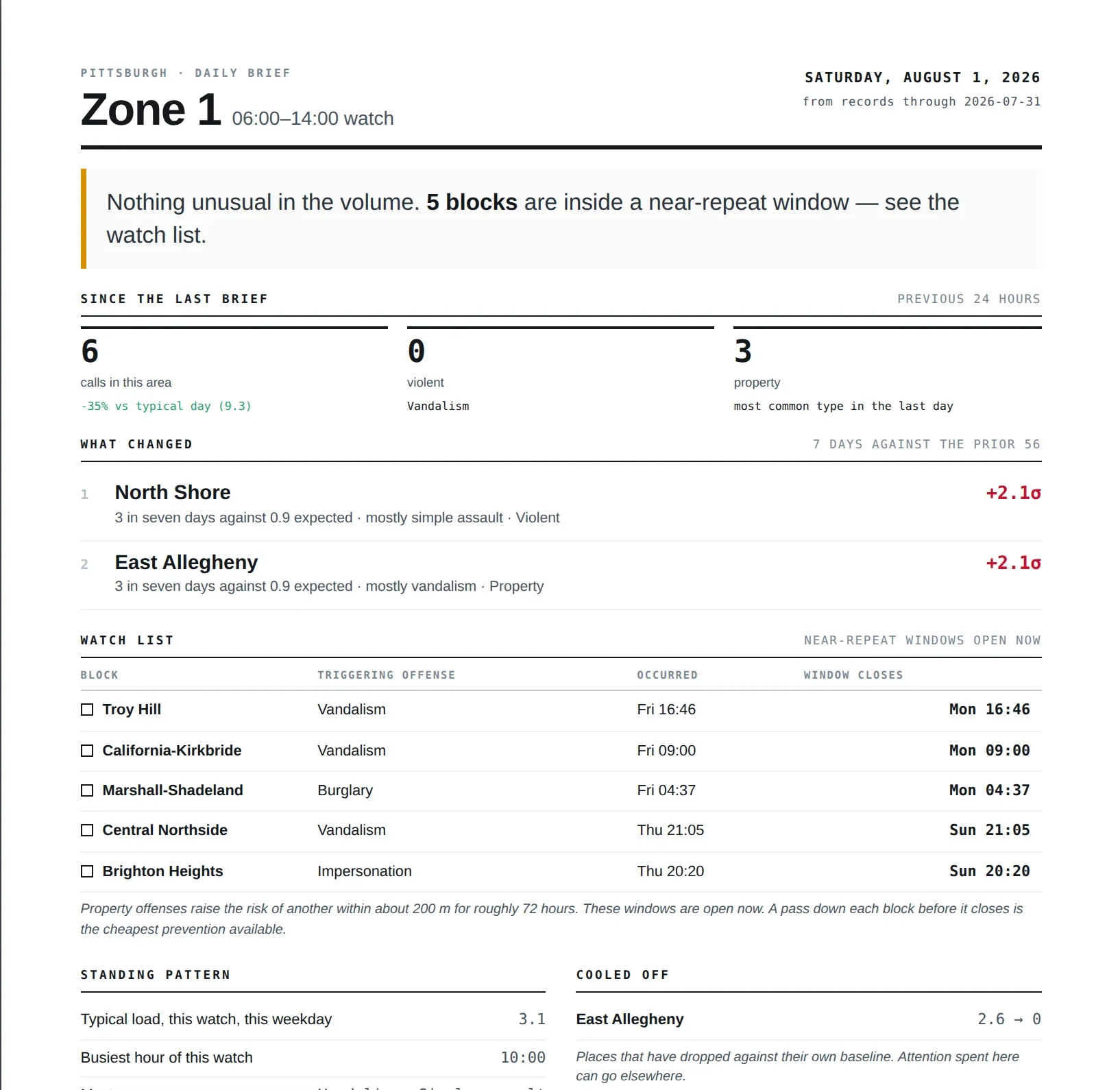
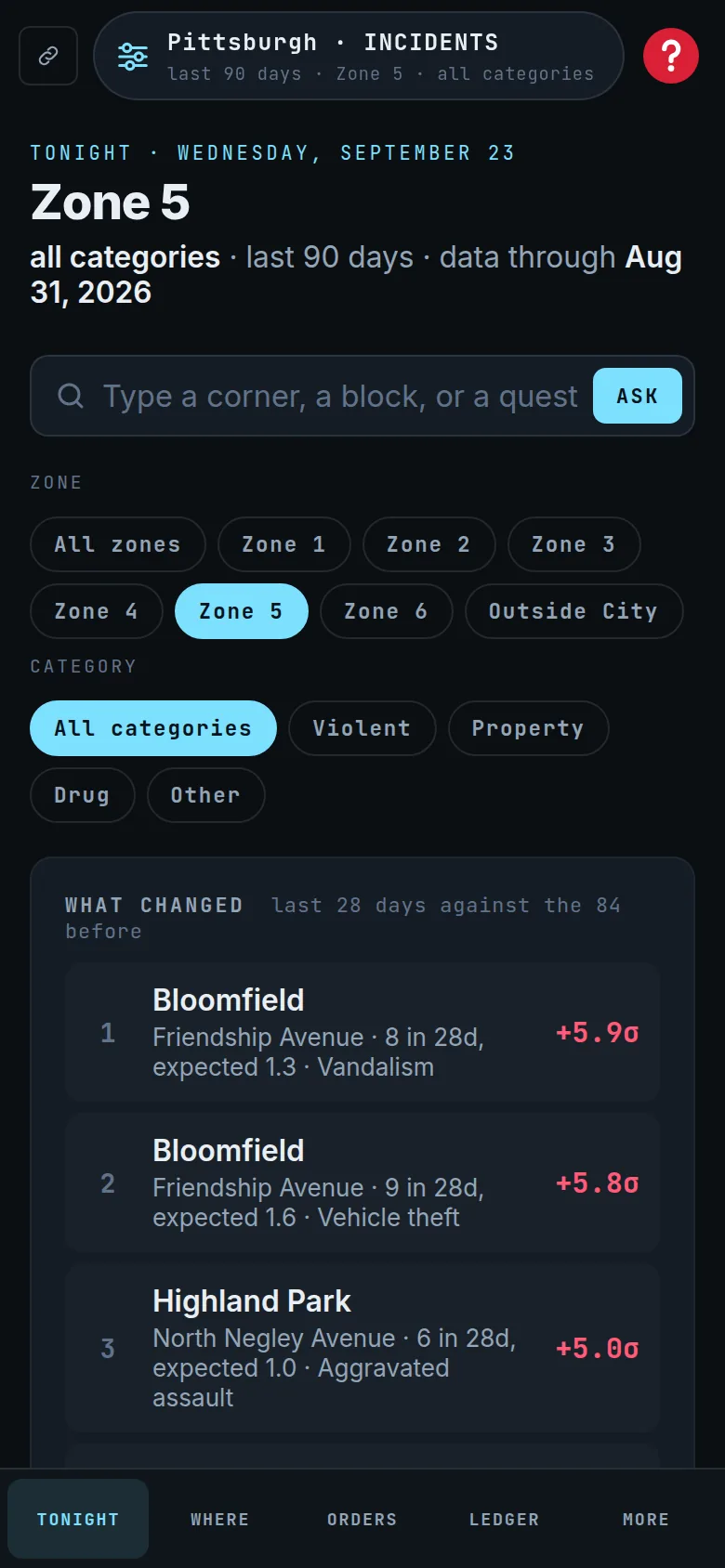
PatrolDesk is deployment-intelligence software for police departments. It reads the incident data a department already publishes and answers three questions: where crime is changing, whether officers are on duty when and where the work is, and which course of action can be proven to have worked.
What data does PatrolDesk use?
The incident records a department already publishes to its open-data portal (Socrata, ArcGIS, CKAN or a CSV export), plus public feeds like the National Weather Service. Every dataset passes a 13-rule validation before it reaches a screen. A read-only CAD or RMS feed can be added later for live, exact-address data.
Does PatrolDesk need to integrate with our CAD or RMS?
No. It starts on published data with no integration and no IT project, usually the same day. Connecting a CAD or RMS feed is optional and is a configuration, not a rebuild.
Does PatrolDesk predict crime or identify individuals?
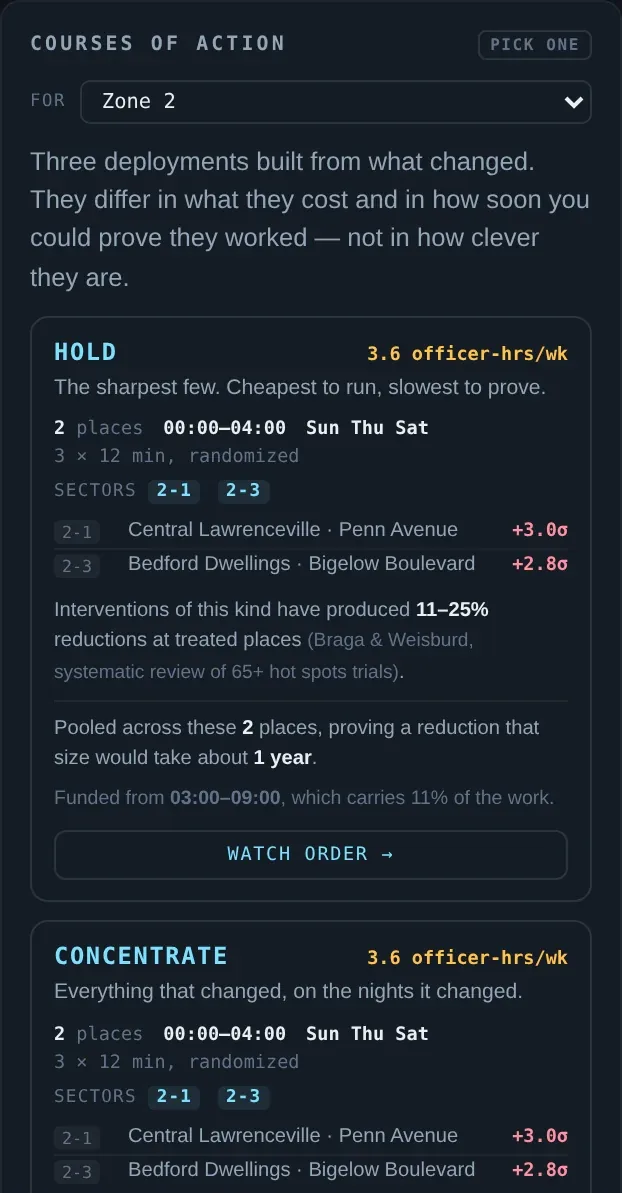
No. PatrolDesk measures where crime has been concentrating, when, and whether staffing matches it — places and hours, never people. It never prints a probability of success; each course of action quotes the published research on what interventions of that kind have produced, and states up front whether the result will be measurable.
How much does PatrolDesk cost?
Annual, per department, unlimited seats, no hardware and no per-officer licensing. Small departments under 100 sworn start at $9,000 a year. Mid-size, 100–500 sworn, from $18,000. Large, 500–2,000 sworn, from $45,000, or about $0.25 per resident. CAD-connected, CJIS-compliant deployments from $150,000, quoted. Ninety-day single-zone pilots are priced below list, and the agreement states the list price they discount from.
Which departments is PatrolDesk built for?
Both the 40-officer department with no crime analyst and the 900-officer department whose CAD analytics only say what happened. It runs per zone and per sector, so a watch commander sees only the ground they own.
How is PatrolDesk different from a crime dashboard?
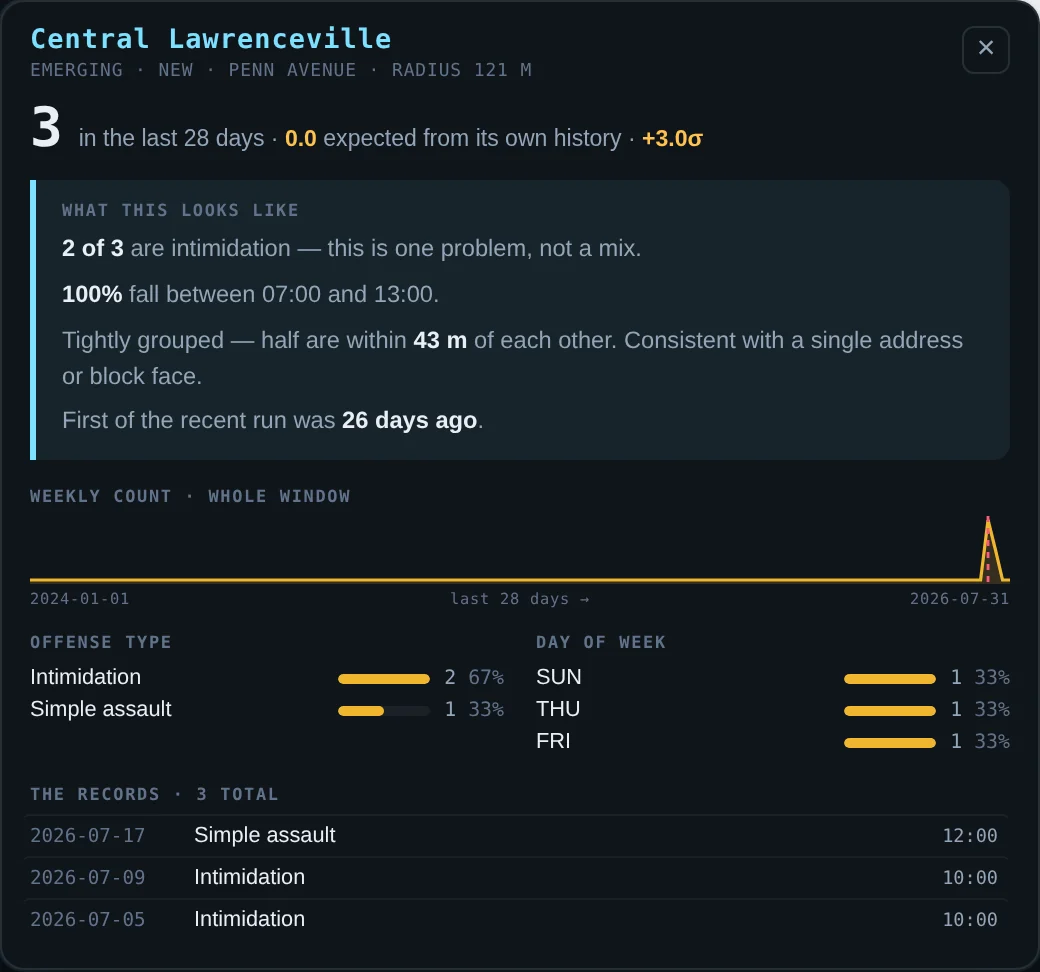
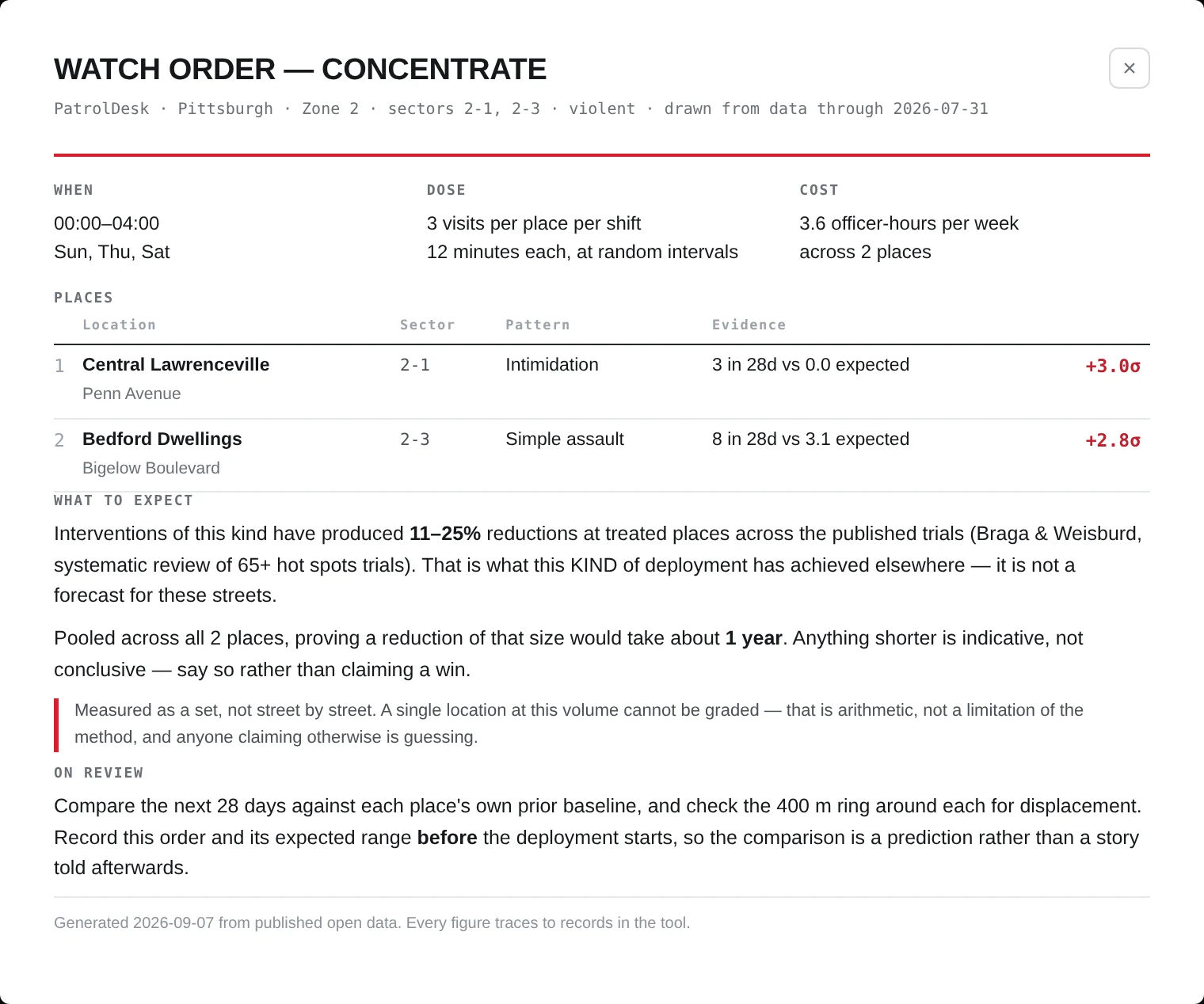
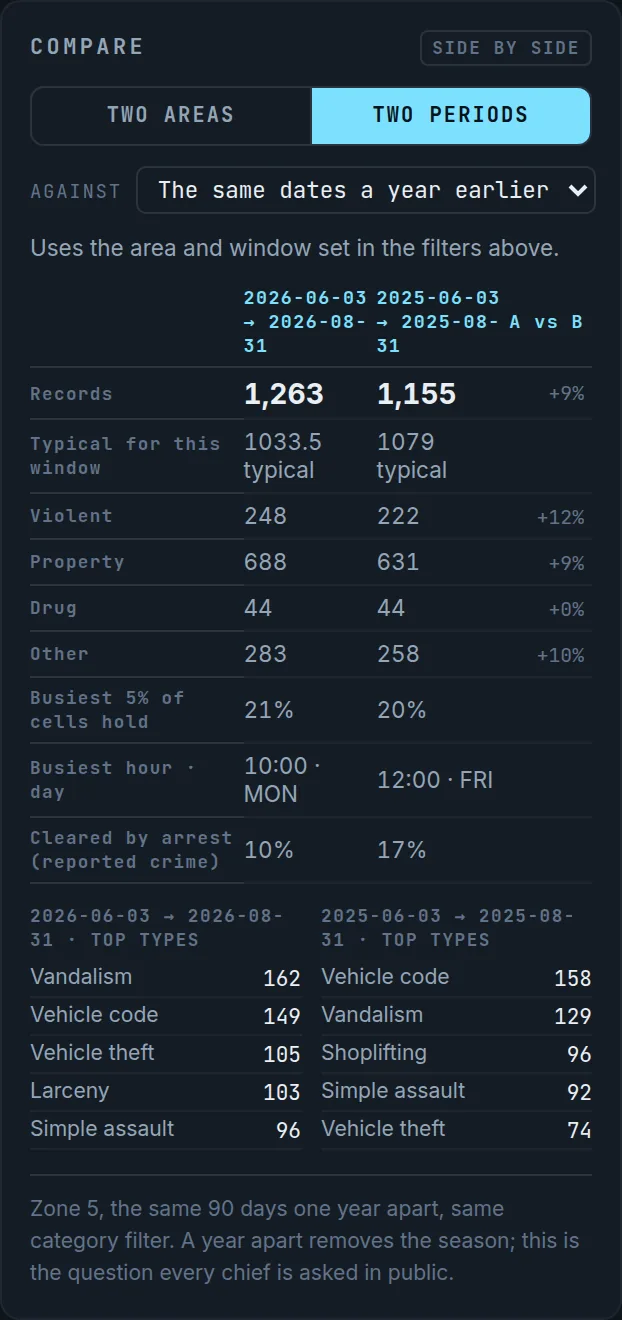
A dashboard shows counts. PatrolDesk scores each place against its own history, computes staffing against demand by hour, prices two or three deployments in officer-hours, and writes the expected effect down before the deployment so the result is a measurement rather than a story.
Can it find an address?
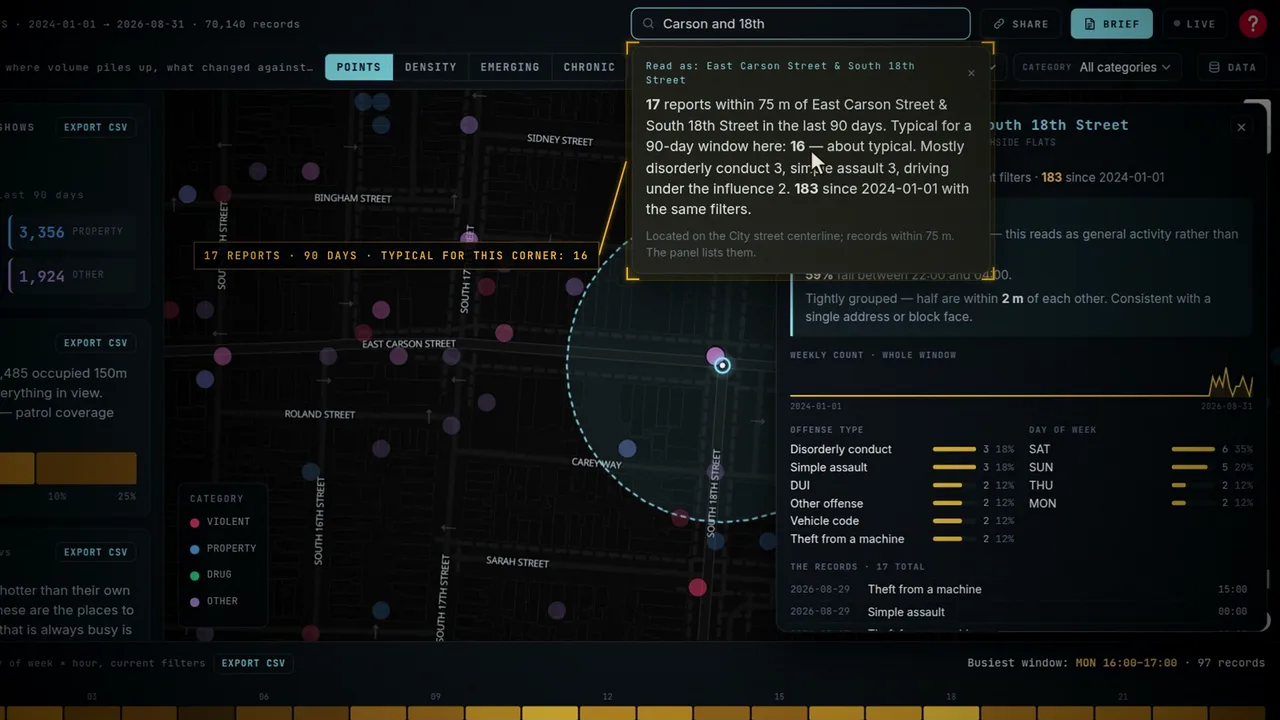
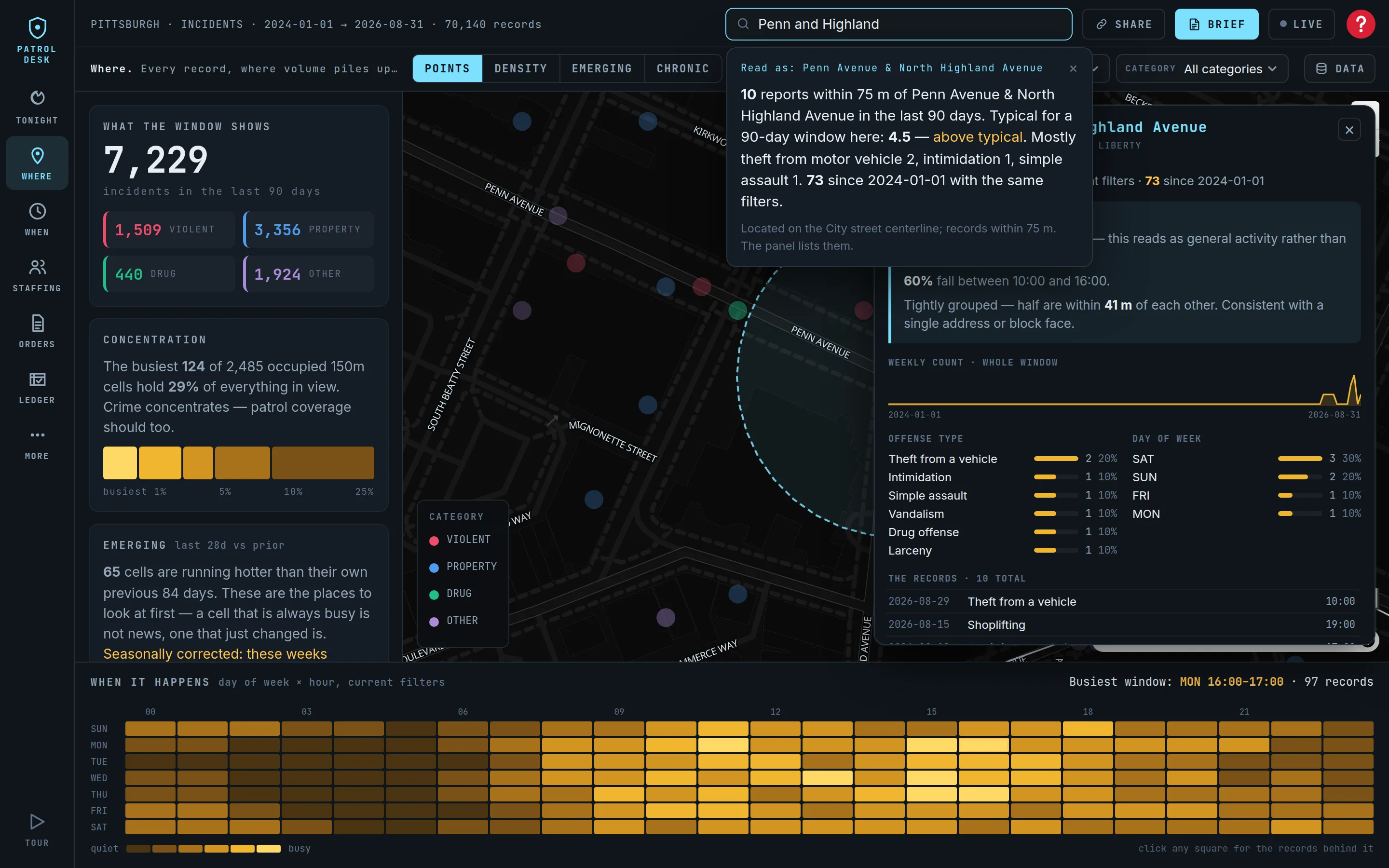
Yes. Type a block, a corner or a street — "1200 block of Penn," "Carson and 18th," "Forbes Avenue" — and PatrolDesk goes there with the records behind it, using the city's own street centerline. Add an offense and a time ("assaults near Penn and Negley on weekends") and the answer is computed for that place.
How do we know whether a deployment worked?
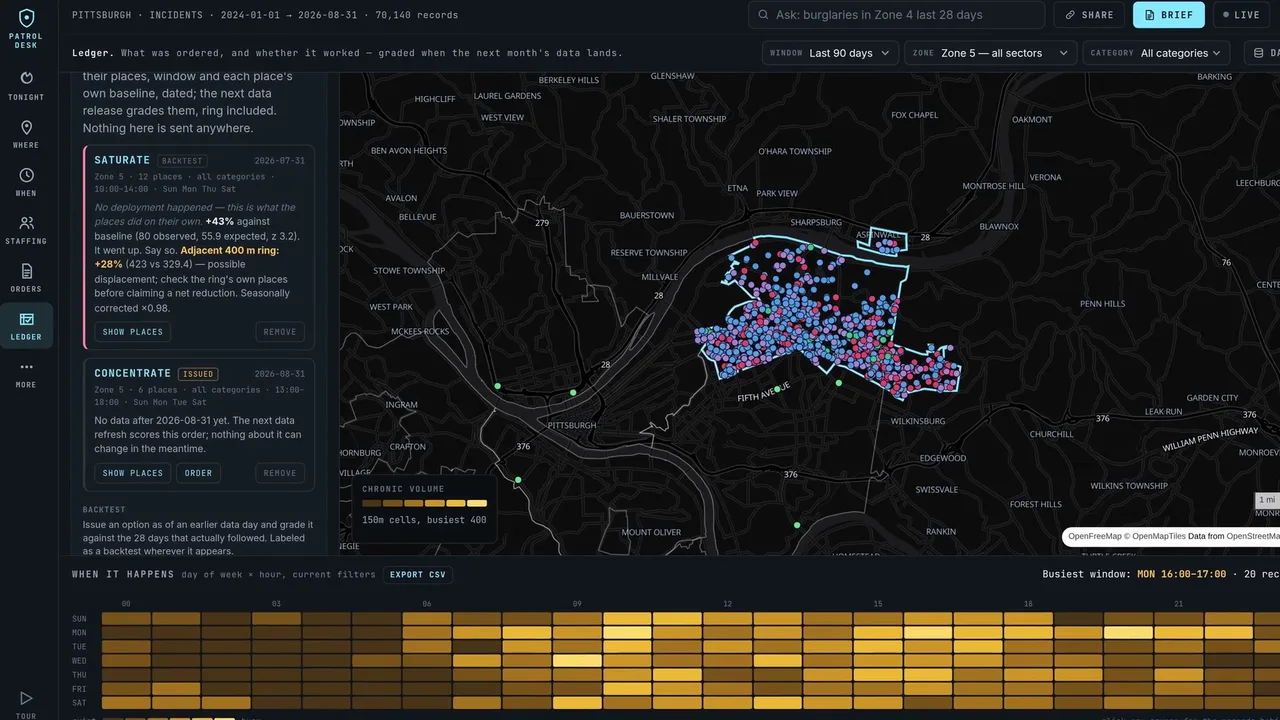
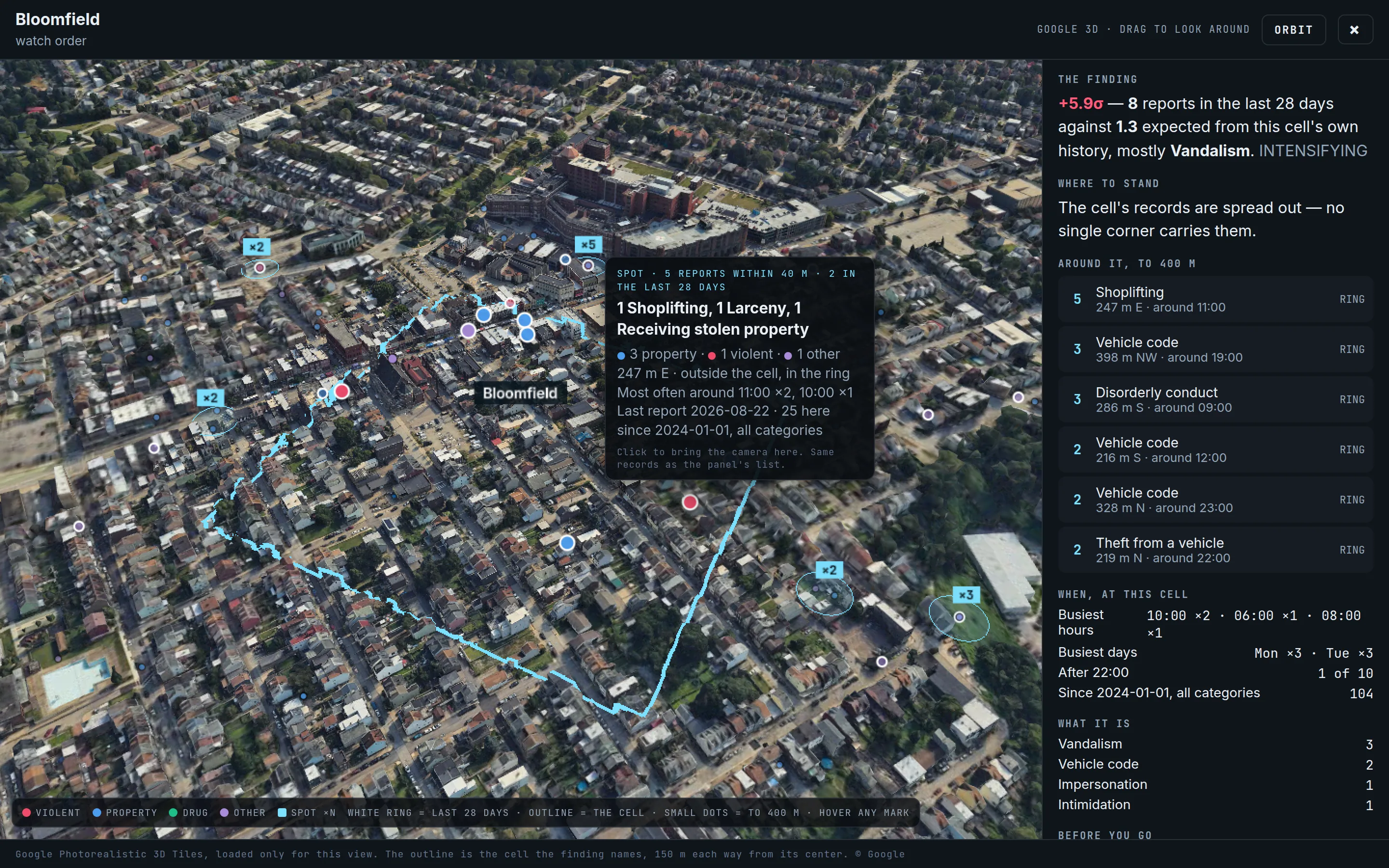
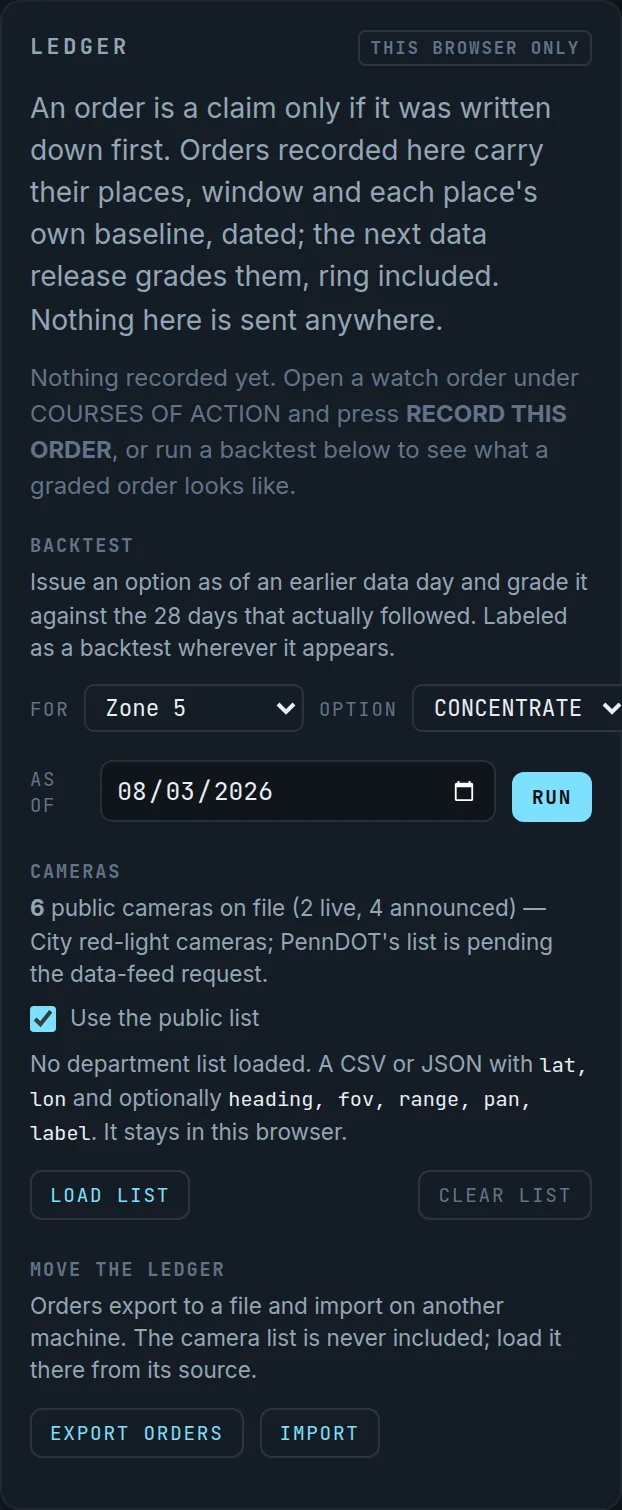
Every watch order can be recorded to a ledger before it starts, with each place's own baseline. When the next data release arrives, PatrolDesk grades the order: the change at the places against their own history, and the same test on the 400-meter ring around them so displacement is a number rather than a worry. A backtest shows what a graded order looks like before any real one has matured.
Is our data safe with this?
Today the product only reads data your department has already published, runs entirely in the browser, and keeps nothing of yours on our side; the ledger, your watch model and any camera list you load stay in your browser. When a department connects a feed that is not public, a login gateway — single sign-on through your identity provider, multi-factor authentication, role-based access, an audit log — goes in front of it first. CAD and RMS connections follow the FBI CJIS Security Policy and are contracted separately. The security page says all of it in plain language.
How do we start?
Send your department's name through the contact form at patroldesk.app/contact.html. If your incident data is published, we can show PatrolDesk running on it before the first call ends.
 PATROLDESK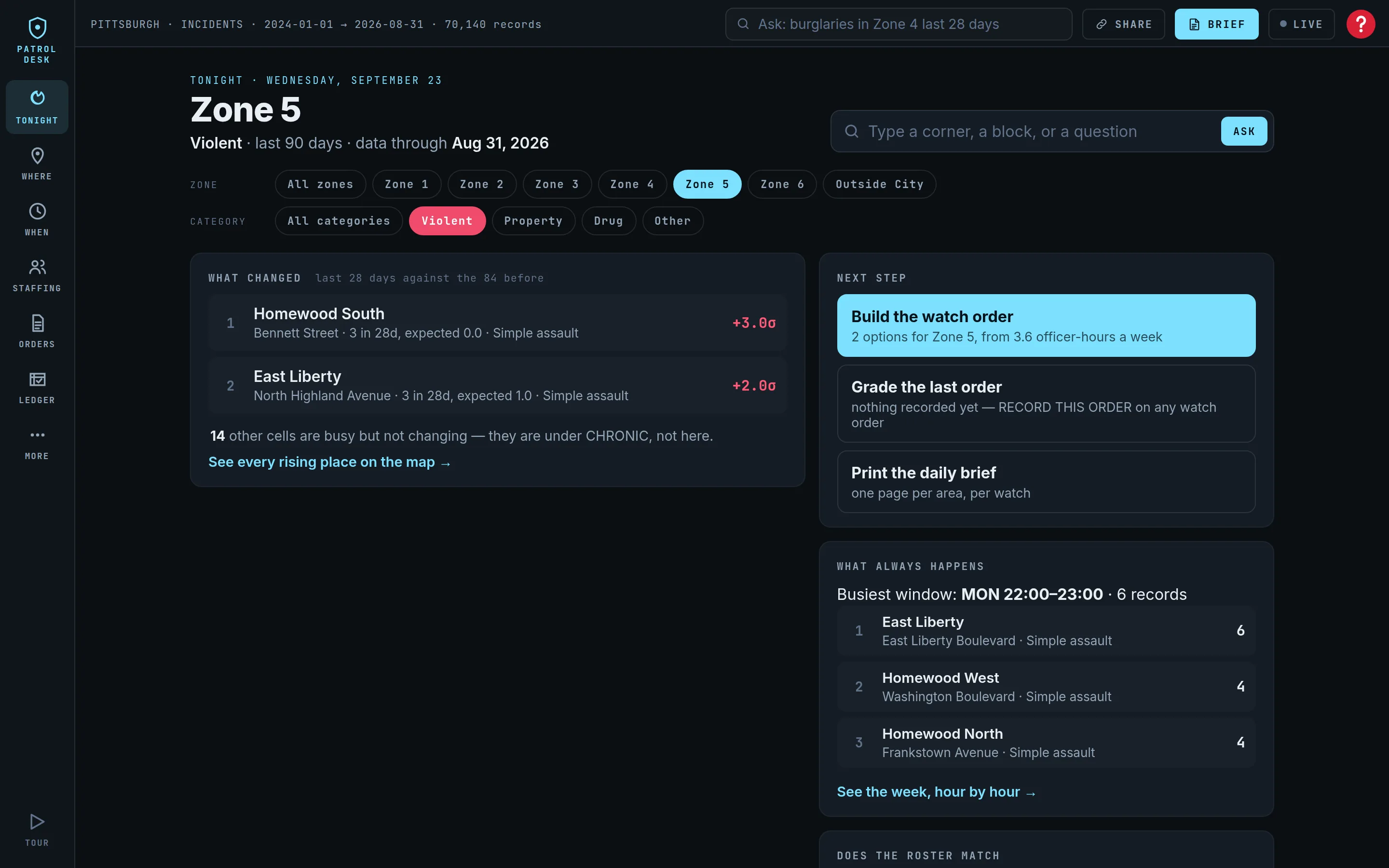
 5:21
5:21